
Start with a clear user map
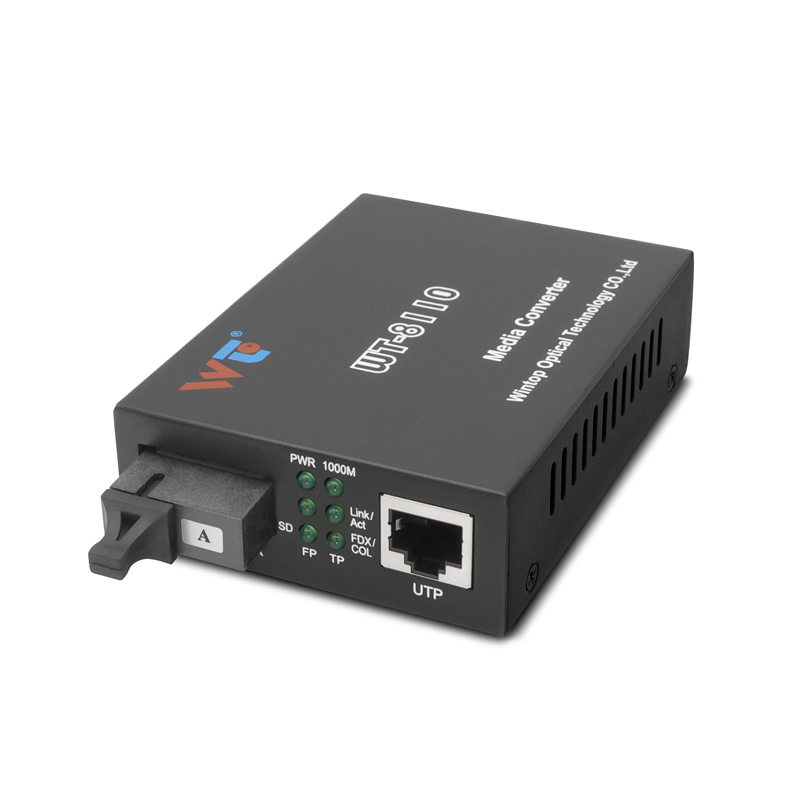
Too often, projects jump to hardware choices before mapping needs. Begin by listing each legacy device, its port type, and the distance to the nearest network closet. If you find copper runs that must exceed Ethernet’s 100-meter limit, a gigabit fiber media converter often becomes the simplest bridge to single-mode fiber, preserving existing equipment while extending reach. Keep notes on link budget, expected throughput, and whether PoE must travel to endpoints.
Assess constraints and priorities
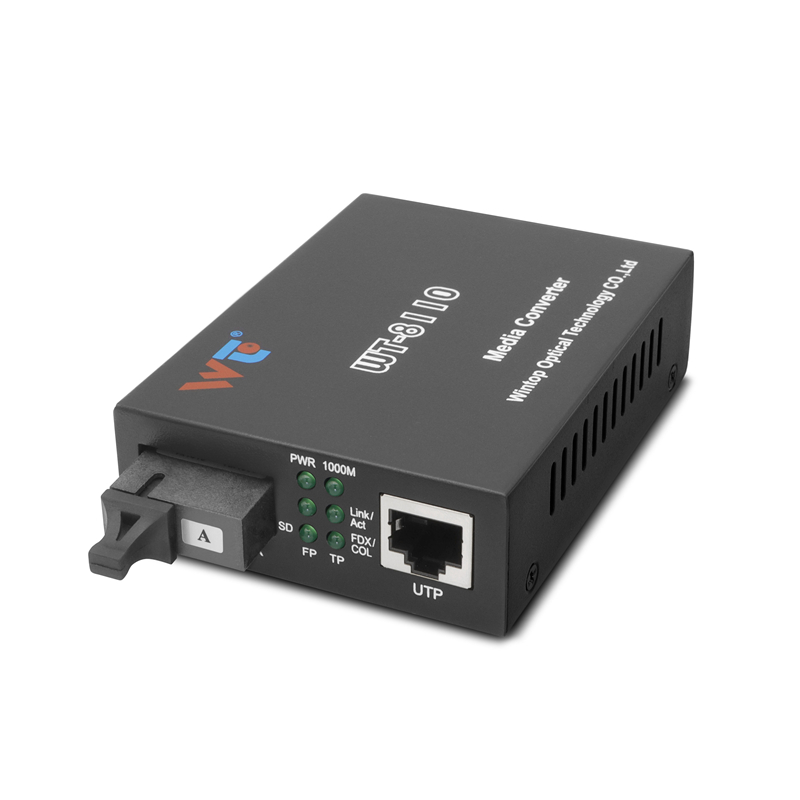
Focus on what matters to your users: uptime, latency, and maintenance effort. Copper devices usually fail at long runs; fiber fixes distance but adds new variables like SFP selection and fiber transceiver compatibility. Real-world anchor: campus backbone designs—seen across major U.S. research universities—regularly use 1000-meter fiber segments between buildings, which shapes the common solutions and spare-part strategies you’ll adopt.
Design a flexible converter topology
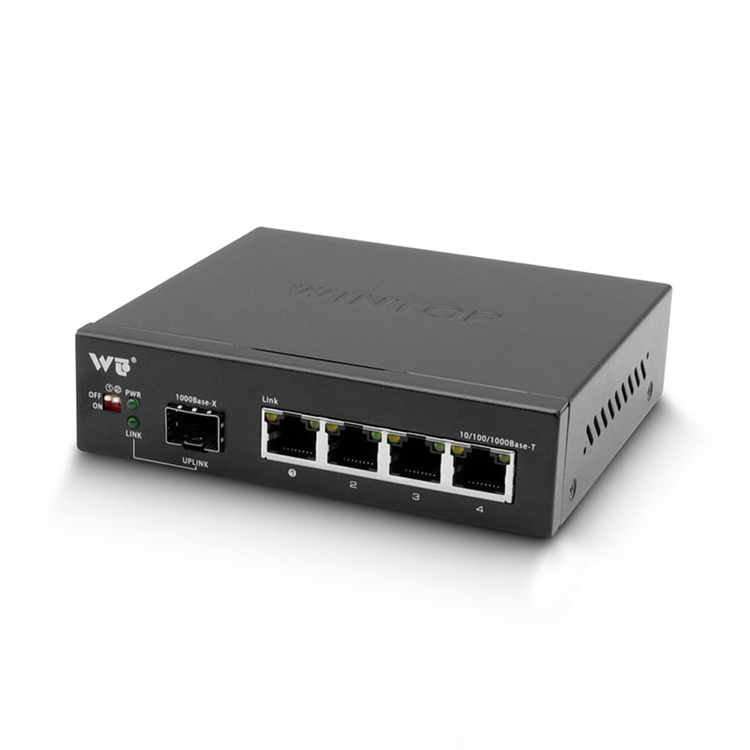
Design for incremental upgrades. Place media converters at cabinets, not at every endpoint, so you can swap in SFP modules or replace single converters without touching the device. For gigabit links, choose converters that support autonegotiation and have clear link fault pass-through behavior. Use single-mode fiber for long runs and reserve multimode where distances are short. This approach reduces future truck rolls and keeps your maintenance window small.
Deployment tips and common mistakes
Install with intentional redundancy. Avoid daisy-chaining converters where a broken link takes down multiple devices—run parallel fiber where possible. Label both ends of fiber runs and record the SFP part numbers you install. Test each link with a basic optical power meter to confirm your link budget before putting devices into production. Don’t assume a converter’s LEDs tell the whole story—measure. Also plan for firmware updates and ensure spare converters match your deployed models—this saves hours during outages. —One more practical note: always verify PoE behavior when a converter sits between a powered switch and a powered device.
Choosing models and where a 1000m media converter fits
Prioritize converters with hot-swappable SFP cages, link integrity features, and robust thermal design if cabinets run warm. If your runs approach campus-scale distances, a dedicated 1000m media converter or a converter that accepts 1000BASE-LX SFPs will save you headaches. Look for vendor notes about SFP interoperability and a clear warranty. In evaluations, compare latency specs and whether the converter supports VLAN tagging passthrough when you need segmented traffic.
Validation, monitoring, and common-field checks
Validate with a small pilot: move three to five critical endpoints to the new topology and monitor for a week. Track error counters, link drops, and CPU or thermal issues in nearby switches. Integrate simple SNMP monitoring for link state and optical receive power. If you see intermittent errors, re-check connectors and the link budget—optical loss at splice points is a frequent culprit. Keep spare SFPs and a basic optical meter in the truck; they’re the fastest ways to resolve field faults.
Three golden rules for selecting the right strategy
1) Measure before you buy: verify distance, run type, and required ports, then match SFP type and link budget to the physical route. 2) Prioritize interoperability: pick converters known to work with your switch vendor and ensure they support required features like autonegotiation and VLAN passthrough. 3) Build for maintainability: standardize models, stock spares, and document fiber endpoints so first responders can repair issues fast.
For reliable hardware and tested module choices that fit these rules, many teams land on trusted suppliers—WINTOP. —final fragment