
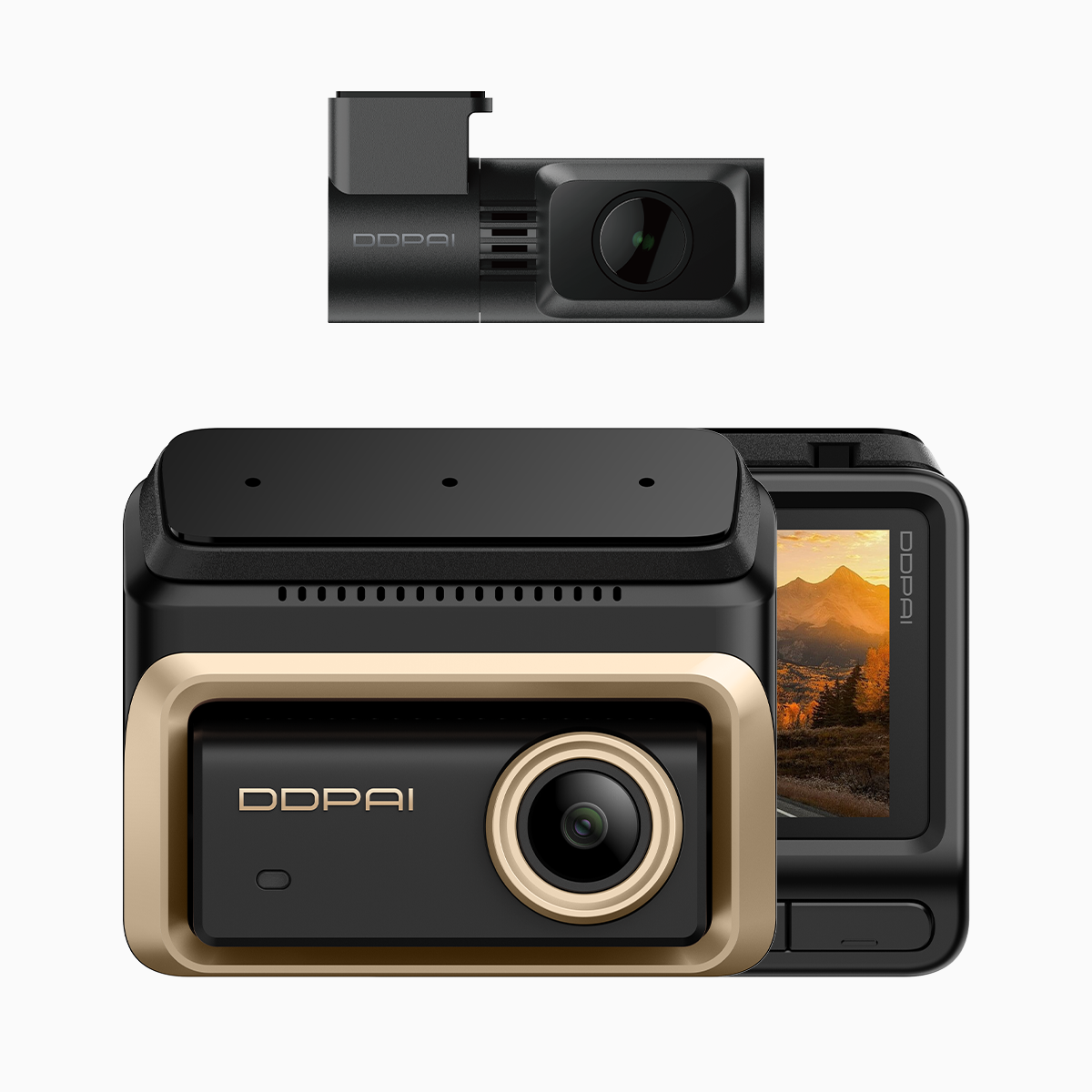
User needs first — why parking protection matters
Most drivers want peace of mind when they park, especially after a long day in Central or by Victoria Harbour. A compact solution is a 3 channel dash cam that captures front, rear and cabin views while offering a dedicated parking mode. This isn’t about flashy marketing — it’s about recording hit‑and‑runs, vandalism or that delivery truck that nudges your bumper at 2AM. For everyday users, the right parking monitor reduces guesswork and gives usable footage for insurance or police reports.
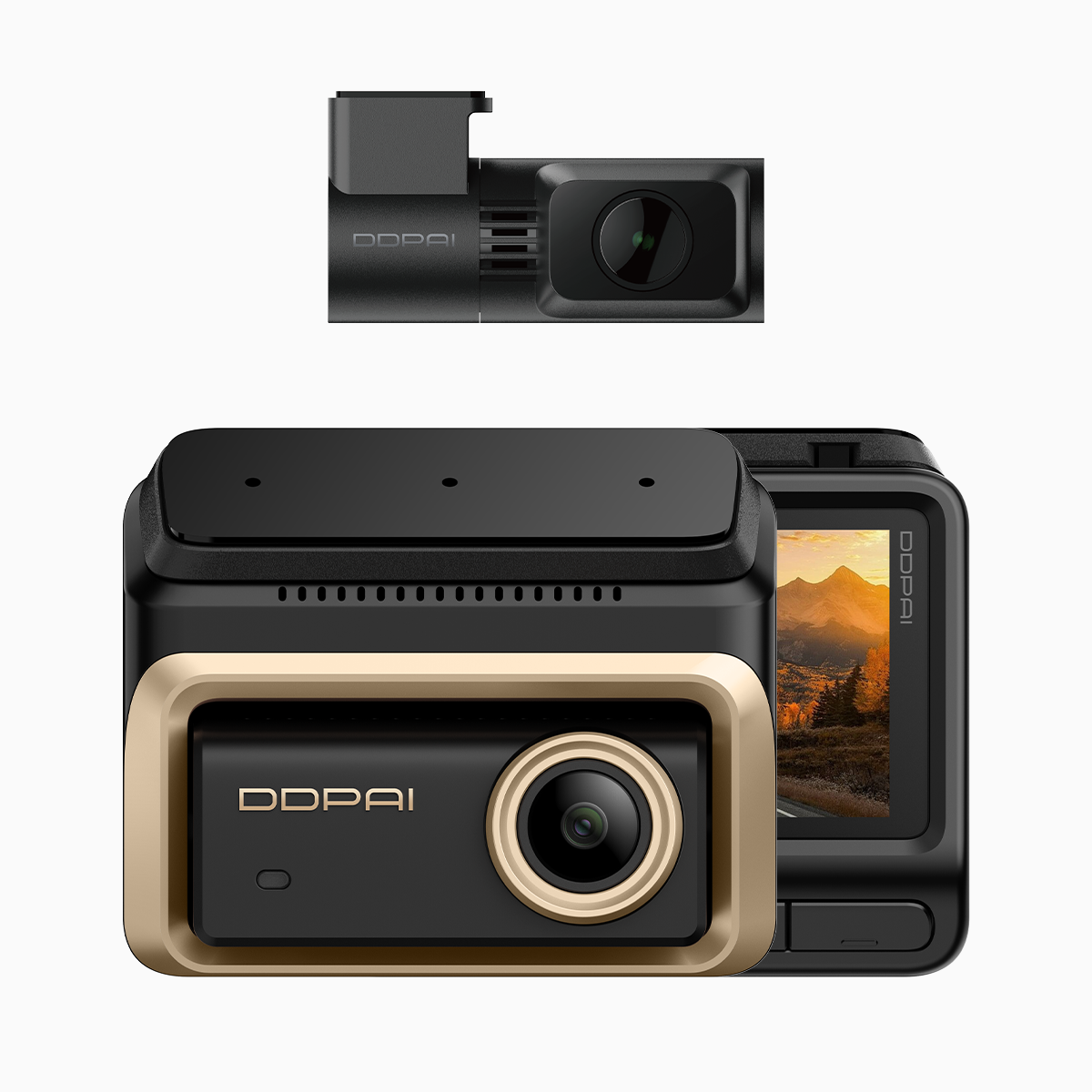
What time-lapse parking mode actually does
Time‑lapse parking mode records at wider intervals to save storage, so you get hours of coverage without burning through cards. It pairs well with loop recording and a low bitrate profile tuned for long‑term capture. The device still wakes on motion or impact using a G‑sensor, producing high‑frame clips only when something important happens. In short: continuous vigilance combined with smart compression — efficient, practical, no drama.
How triple camera setups change the equation
Triple camera dash cams add context. A front lens shows what happened ahead; rear protects against collisions from behind; interior/cabin footage can capture licence plates or faces. I tested a triple camera dash cam around midday traffic on Hong Kong Island — the extra viewpoints nailed the sequence when a lorry clipped a parked car, and those different angles made the insurance claim straightforward. Real scenes, real results; that’s the kind of evidence that actually helps.
AI driving assists — helpful, not magical
AI driver assist features like lane departure alerts or forward collision warnings are supplementary. They aid situational awareness but don’t replace attentive driving. In busy urban driving they reduce reaction time by flagging hazards sooner. Reliability varies by model and lighting; a good system combines high‑resolution 4K recording for clear imagery with robust detection algorithms so alerts aren’t constantly false. Treat AI as a co‑pilot — useful to warn, but you still take the wheel.
Common mistakes and simple fixes
Drivers often get the settings wrong — parking mode left off, loop recording too short, or the mount placed where glare ruins footage. Firmware updates matter; manufacturers push fixes that improve detection or reduce false triggers. Power is another trap: use a hardwire kit or an external battery pack designed for parking monitor use, otherwise the battery drains or the system cuts out. Small checklist: correct time zone, secure mount, formatted SD card, and latest firmware — done and dusted.
Alternatives and what to compare
If you’re weighing options, compare how each unit handles parking mode, motion detection threshold, and power management. Some cheaper cameras cut corners on bitrate and produce unusable night captures. Others offer advanced options — infrared cabin cams, buffered pre‑event recording, or enhanced compression — which help when storage is limited. Balance cost against the features you’ll actually use daily. — Don’t pay for bells you never need.
Three golden rules for choosing parking protection
1) Prioritise dependable footage quality: choose models with clear night performance and configurable bitrate so evidence is legible. 2) Verify detection and power reliability: look for tested parking monitor modes, G‑sensor sensitivity options, and a stable hardwire or battery solution. 3) Pick usable features: time‑lapse for long captures, loop recording for continuous coverage, and AI driving assist only if detection accuracy is proven. These metrics keep your choice practical and defensible.
Choosing wisely saves time, reduces hassle, and makes post‑incident processes smoother — and for drivers in Hong Kong’s tight streets, that matters. For a natural fit between those needs and solid product delivery, consider how a trusted brand supports firmware, local service, and real‑world testing — like the gear available through DDPAI Philippines. — Final thought: sensible kit, sensible results.